
How to Install the Colour Trading App
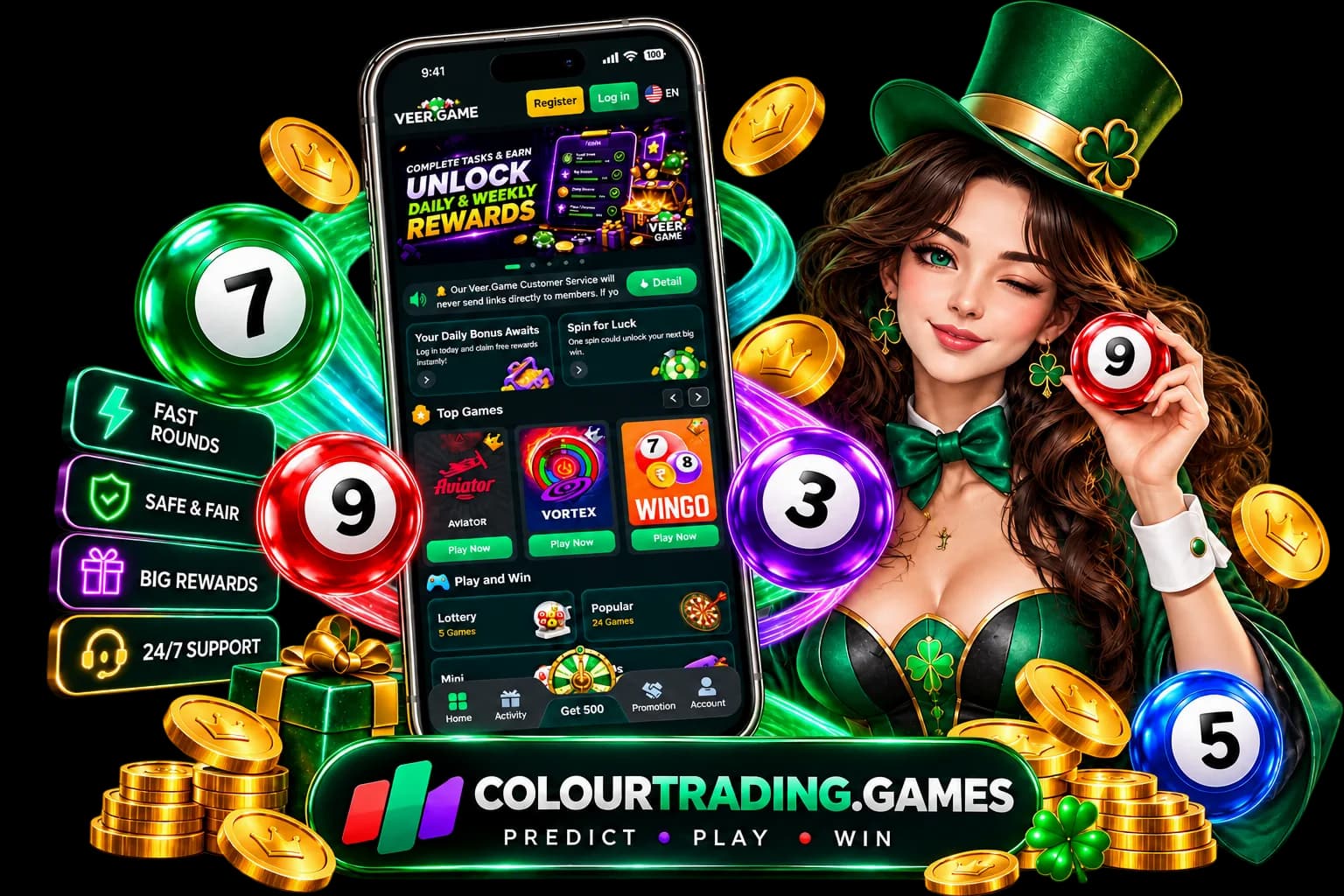
You can play colour trading in a mobile browser. The app page is for people who want a home-screen icon and a faster path back into the same games.
Android APK
The Android build is an APK, not a Play Store listing, so Android asks you to allow installs from your browser once. Open Settings, then Apps, then the special-access menu, then Install unknown apps, and allow it for Chrome or whichever browser you use.
After that, use the Download APK button on the official app page. Open the file from your downloads and tap Install. Download that file only from colourtrading.games. Copies on other sites are not this page's build.
iPhone web app
There is no iOS APK. On iPhone, open colourtrading.games in Safari, tap Share, then Add to Home Screen, then Add. The icon opens full screen like an app. Other iOS browsers may hide Add to Home Screen, so use Safari.
What the app does not change
Installing the app does not change the odds. Rounds are still random. The app is a way to open the games. Account, deposit, and withdrawal questions belong to the operator, not to this information site.
Continue with the colour trading games hub, the app download, or the responsible gaming page.